What do I need to install it?
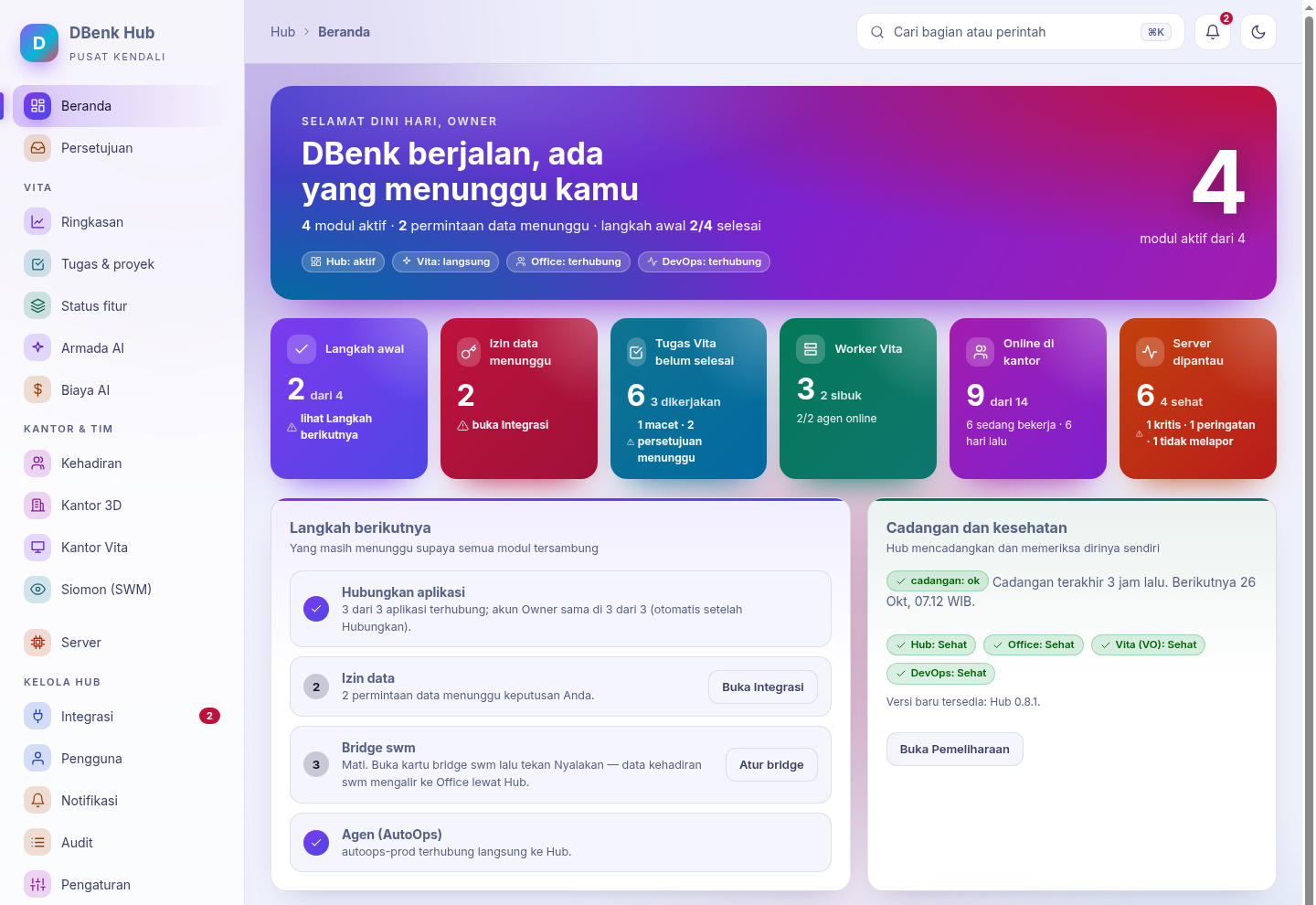
One Linux server with Docker (2 vCPU, 4 GB RAM to start) or an existing Coolify. The install command sets up the Hub; modules are installed from inside the Hub.
Do I need an IT team?
You need one person who can run a command on a Linux server with Docker (or a small VPS, about Rp140k/month at a local provider). Installing is one command; updates and backups run by themselves. With no IT person at all: wait for the Cloud version (coming soon), where we install and maintain a dedicated Hub for you.
Where is our data stored?
On your own server: the Hub and its modules run on your infrastructure, with daily backups on that server and (when configured) in your own S3 storage. DBenk does not store employee data or module content.
What happens when the license runs out?
There is a 14-day grace period. After that paid modules become read-only until renewed: data stays safe and readable, backups keep running, the Owner can still sign in, nothing is deleted. Teams of 1–2 people fall back to Community (free).
What happens after the 14-day trial?
Same as an expired license: 14 days of grace, then paid modules are read-only until you subscribe (Starter from 3 people). No data is deleted.
Does the Hub need internet all the time?
No. The license is checked on your server. Internet is only needed to fetch license renewals and updates; without internet, paste the new license manually.
Does DBenk do payroll?
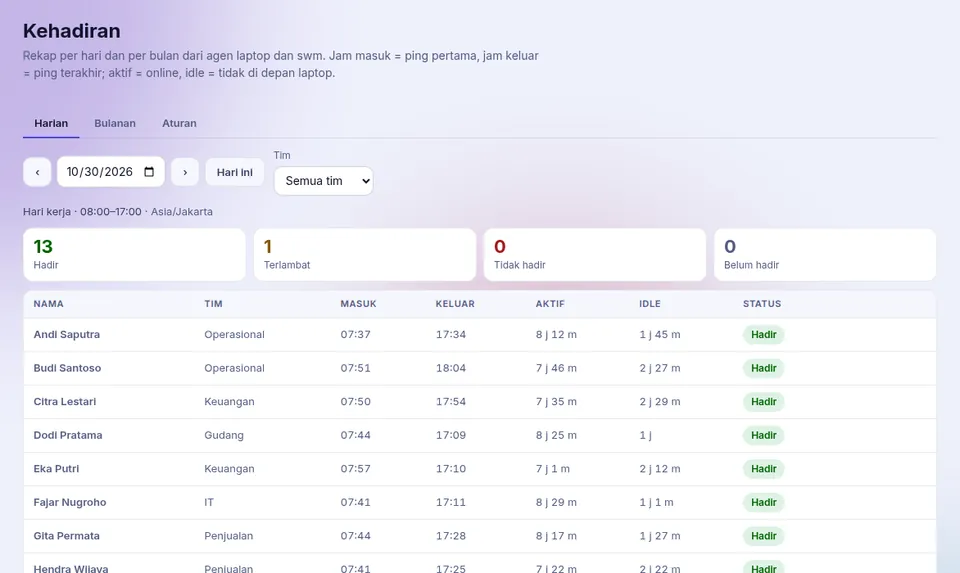
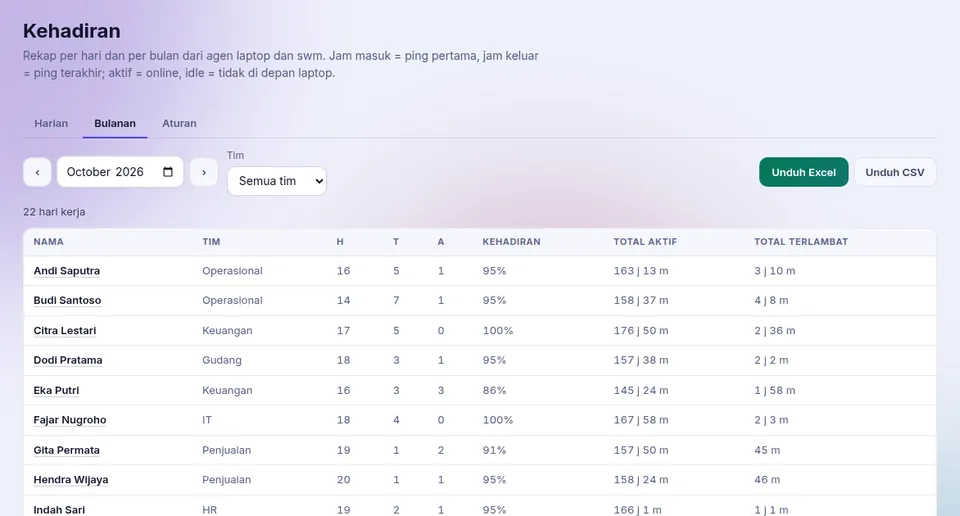
No. DBenk is not a payroll, income tax (PPh 21), or BPJS application. Use it with your HRIS (Talenta, Gadjian, KantorKu, etc.): the attendance summary downloads as Excel/CSV (per person per day: check-in/check-out, status, minutes late) to process or import there.
What about employee privacy?
The laptop agent takes no screenshots, keystrokes, document content, URLs, file names, or location. It sends: active/idle/away status and the name of the application in front (employees can turn that off). Window-title descriptions are off by default; the company can turn them on after informing employees. Employee notice template.
How is attendance calculated?
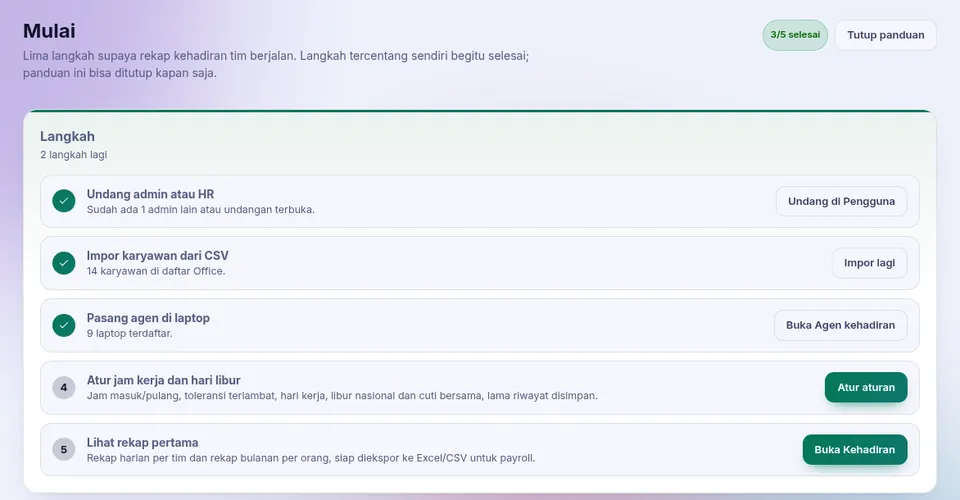
The laptop agent reports active/idle/away every minute. Check-in = the first report of the day, check-out = the last one. Present, late, or absent follows the work hours and tolerance you set; Indonesian national holidays and collective leave days are built in and editable. History is kept for 400 days by default.
Can I look around before installing?
Yes. Open the demo with sample data from PT Contoh Maju (sign in: demo / dbenk-demo-2026). The demo is read-only and resets every night. Try the demo
Is Virtual Office sold separately?
No. Virtual Office · Vita is the visual view of Vita: Vita's AI workers, tasks and projects shown as a virtual office. It is free and included in every Vita plan (Solo, Team, Pro). Attendance and the 3D office for employees are in Office · 3D, which every plan includes.
Who pays for Vita's AI costs?
You do, directly to the AI provider, through your company's own API key or account. DBenk only charges for AI worker slots. We do not resell AI subscriptions.
What data is sent to DBenk?
On renewal: install id, license number, Hub version, and the number of people, servers and Vita slots (numbers only). No user names, attendance data or module content.
How do I pay?
Bank transfer against an invoice. Once payment is confirmed, the license is extended automatically and your Hub picks it up within a few hours.
Can I change plans mid-term?
Yes. Request it from the customer portal; we send an invoice and the license changes once paid.